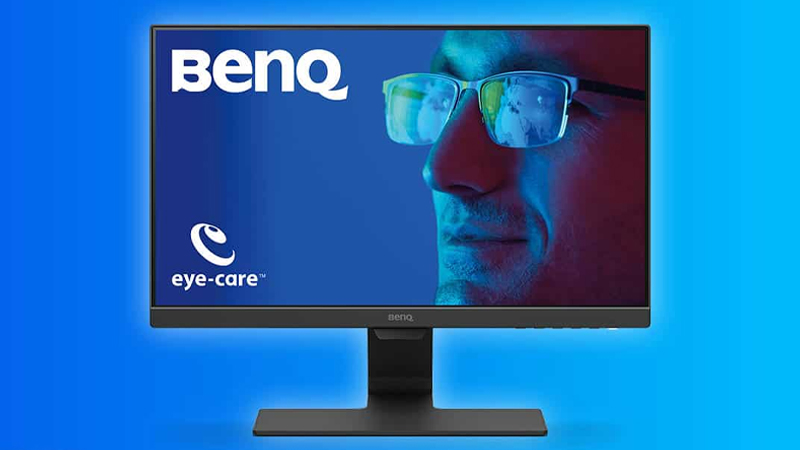
Nowadays, we spend significant amounts of time facing screens daily. Do your eyes feel fatigued or notice a decline in vision? This may be because your monitor or TV lacks low blue light certification. This article will delve into the benefits of low blue light and introduce its implementation methods, empowering you to make informed choices when selecting future displays.
What is Blue Light?
Blue light is a type of light within the visible spectrum, with wavelengths ranging from 400 to 550 nanometers. Its wavelengths are shorter than other colors but carry higher energy.
What are the harmful effects of blue light?
A 2022 health science article published by Beijing Tsinghua Changgung Hospital highlighted blue light’s adverse impacts on human health. Prolonged exposure can directly damage retinal tissue, potentially increasing risks of macular degeneration and cataracts in severe cases. Additionally, blue light penetrates the dermis, damaging collagen and accelerating skin aging.
Furthermore, blue light suppresses melatonin secretion, hindering sleep onset and disrupting mood regulation—a common cause of insomnia today.

Which devices emit blue light? Do LED displays emit blue light?
Numerous devices emit blue light, including electronic screens like smartphones, tablets, and monitors, as well as artificial lighting such as LED lamps.
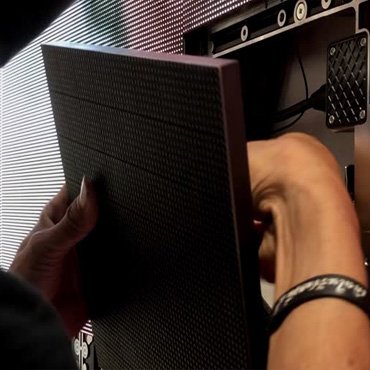
LED displays emit trace amounts of blue light, but they emit less harmful blue light than LCD screens. This is primarily because LED displays use self-illuminating pixels, allowing precise control over brightness and color. Consequently, the proportion of harmful blue light is lower, wavelengths are relatively longer, and viewing distances are farther, making them more eye-friendly.
What benefits does low blue light offer?
Low blue light technology adjusts the short-wavelength blue light emitted by screens and other LED lights to reduce harmful short-wave blue light. This alleviates eye strain, protects vision, and improves sleep quality.
Visual Comfort
Low blue light technology enhances visual comfort. Especially when using displays at night, shifting the screen’s overall color tone to a warmer yellow reduces visual stimulation and harmful blue light emissions, delivering richer color imagery. In low blue light mode, display brightness is also reduced.
Relieves Eye Fatigue
Low blue light technology significantly reduces blue light reaching the retina, alleviating symptoms like eye strain, dryness, and blurred vision caused by harmful blue light. This enhances eye comfort during prolonged electronic device use.
Improved Sleep
Low blue light effectively reduces blue light radiation exposure, improving sleep quality. Especially at night, filtering blue light helps the brain recognize circadian rhythms, enhancing sleep quality and indirectly boosting daytime productivity.
How to reduce blue light? Methods for Implementation

Software Filters
When needing to lower screen blue light, choose suitable filtering software to automatically adjust color temperature and brightness. For example, f.lux and CareUEyes adapt screen colors based on ambient light conditions to reduce blue light exposure. Both utilize advanced filtering technology and allow customization of computer interfaces.
Hardware Solutions
Applying a nano-level optical film to the screen surface physically blocks harmful short-wavelength blue light. This reduces eye strain while maintaining color accuracy.
Frequently Asked Questions
How do I enable low blue light mode on my computer?
The low blue light feature on computers is typically called “Night Mode” or “Eye Care Mode.” Open the Start menu, navigate to Settings, select System, then click Display. You’ll find the Night Mode toggle under the Display section. Finally, click Night Mode to customize settings.
Which devices have low blue light certification?
Numerous brands offer devices certified for low blue light by organizations like Eyesafe and TÜV Rheinland. These include laptops (Dell XPS, Lenovo), monitors (Dell, Lenovo, HP), and TVs (LG OLED). To verify your device’s certification, check for Eyesafe or TÜV Rheinland logos on the product packaging or specifications.
Are there other ways to reduce blue light’s harm to my eyes?
Besides using filtering software and optical films to reduce screen blue light, you can also mitigate its effects by wearing blue light-blocking glasses, improving indoor lighting conditions, and enabling your computer’s night mode.
JYLED—The Premier LED Display Manufacturer

As a professional LED display manufacturer, JYLED employs optimal low-blue-light technology in our displays. This effectively reduces harmful short-wavelength blue light while preserving vibrant color reproduction. For further inquiries about our products, feel free to contact us anytime.