





Why Does Your Display Need an LED Sending Card?
- Supports dual Gigabit Ethernet transmission
- Adjustable playback parameters
- Supports cascading of multiple LED sending cards
- Supports integrated brightness sensors
- Certified by international organizations such as CE, FCC, and RoHS
- Service life of over 10 years
The LED Sending Card Features a Wide Range of Transmission Ports
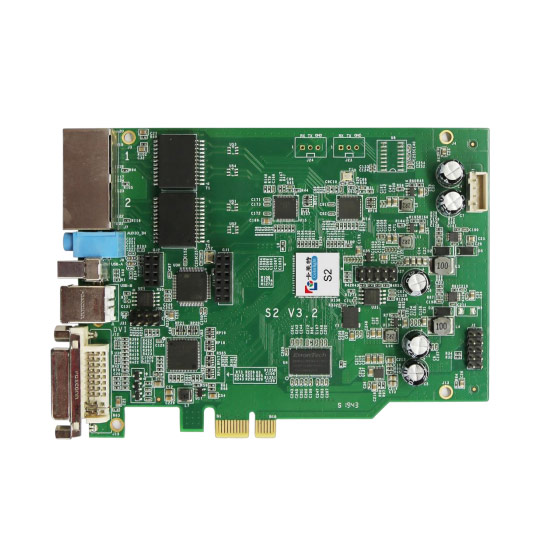
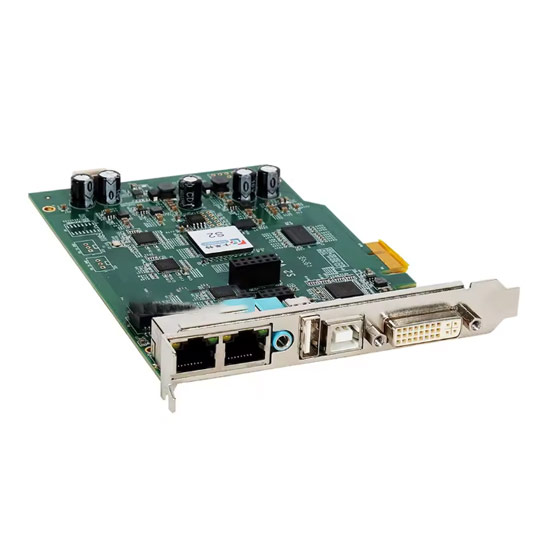
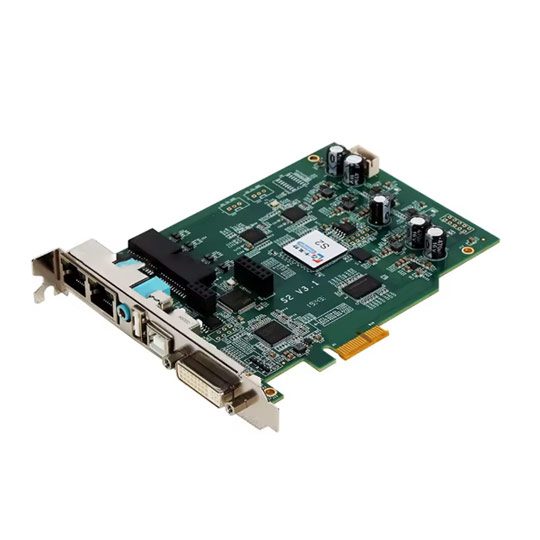
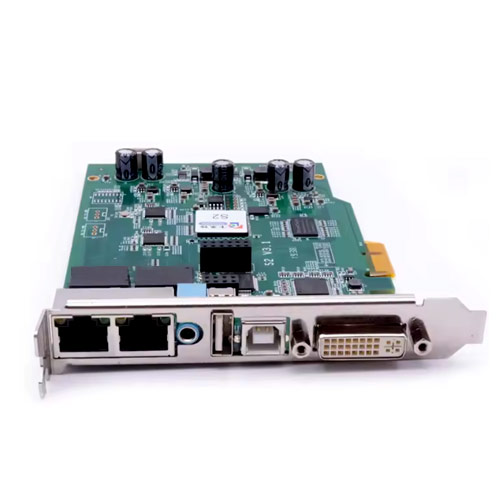
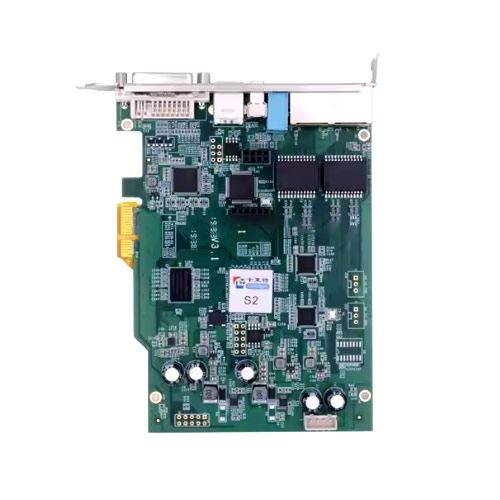
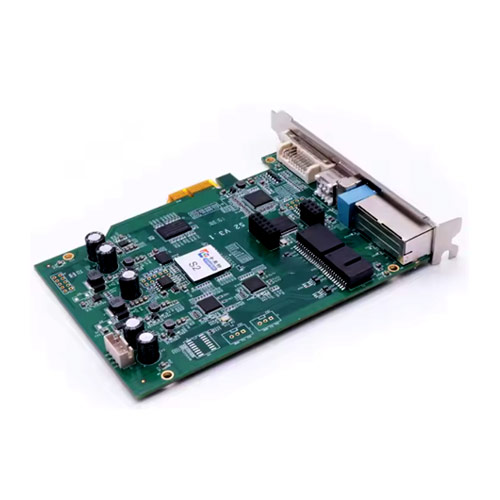
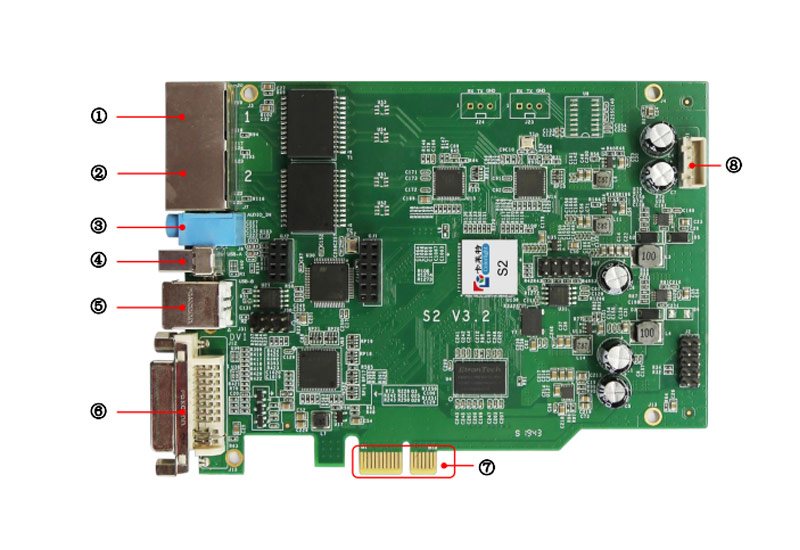
JYLED’s LED sending card offers multiple connection ports, each serving distinct functions:
- Signal Input Ports: Supports HDMI and DVI connections to content source devices to receive signals and convert them in real time.
- Signal Output Ports: Supports Ethernet connections to quickly transmit the converted content source signals to the LED receiving card.
- USB Ports: Allow connection to multimedia devices to transfer content source signals for internal storage on the LED sending card, or to connect a USB flash drive to expand the card’s storage capacity.
- Optical Probe Port: Supports integration with a brightness sensor.
- Power Ports: The sending card features multiple power interfaces, such as plug-in and screw-type power sockets, allowing you to connect the appropriate power equipment based on on-site conditions.
Connecting the various ports of the LED sending card to multiple devices and enabling them to work together helps you achieve rich management functions and produce eye-catching, exceptional visuals.
What Other High Quality Control Devices Does Jyled Offer?
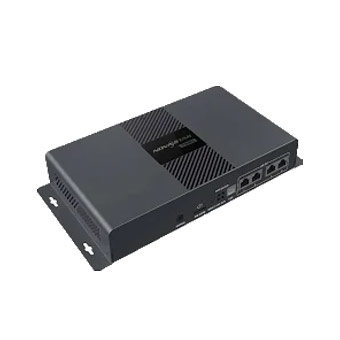
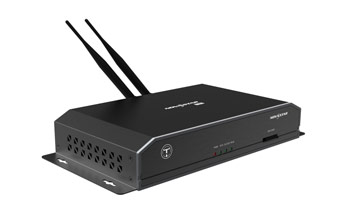
- Load Capacity: 2.3 million pixels
- Maximum Input: 4096 pixels (width) or 4096 pixels (height)
- Memory Capacity: 1GB onboard memory, 16GB internal storage
- Transmission Ports: Supports Ethernet/4G/WiFi transmission
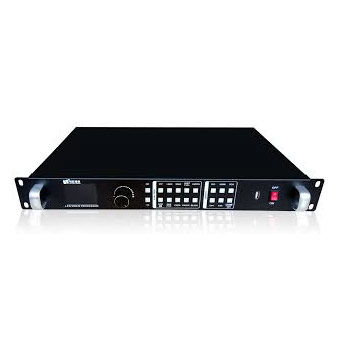
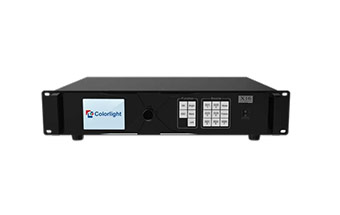
- Load Capacity: 2.65 million pixels
- Maximum Input: 3960 pixels (width) or 2000 pixels (height)
- Picture-in-Picture Windows: Supports up to 4 windows
- Transmission Ports: 6 video input ports, 1 video output port
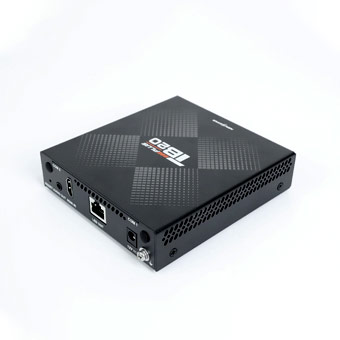
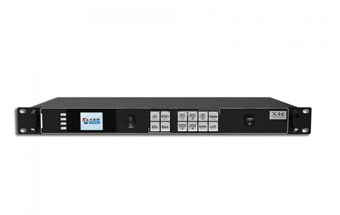
- Processing Capacity: 650,000 pixels
- Maximum Input: 8192 pixels (width) or 2048 pixels (height)
- Memory Capacity: 32GB, expandable to 128GB via USB
- Transmission Ports: 3 input ports, 2 output ports
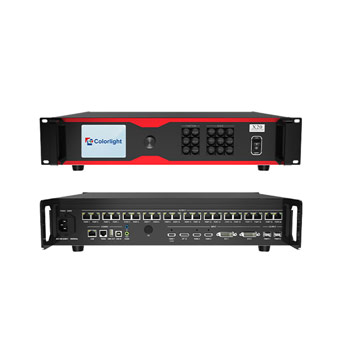
- Pixel Capacity: 13 million pixels
- Maximum Input: 16,384 pixels (width) or 8,192 pixels (height)
- Picture-in-Picture Windows: Supports up to 6 windows
- Interface Ports: 6 input ports, 20 Gigabit Ethernet ports, 2 × 10 Gigabit fiber ports
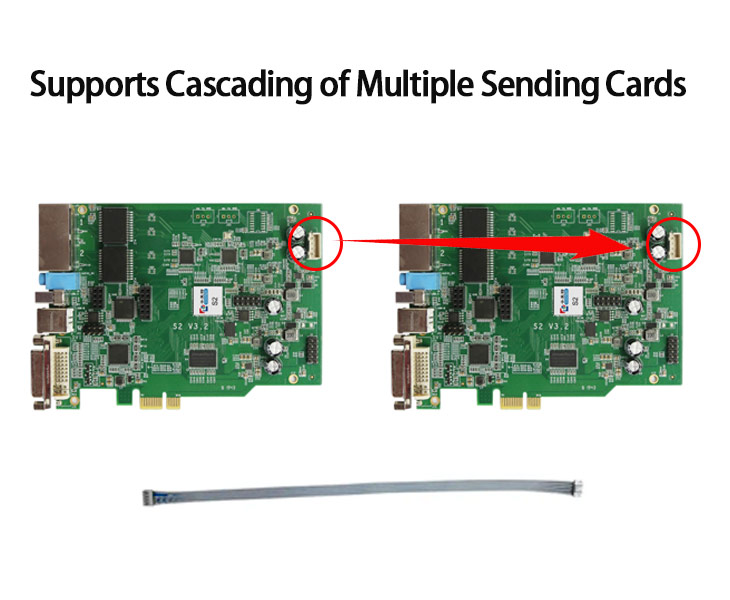
Supports Cascading of Multiple Sending Cards
JYLED’s LED sending cards support cascading multiple cards for unified management. This cascading method offers the following benefits:
- Greater pixel capacity: If the sending card you purchased has a capacity of 1.3 million pixels, but your display has 4.5 million pixels,
You can cascade four sending cards, each capable of driving 1.3 million pixels, to drive a 4.5 million pixel LED display.
Similarly, the more pixels your LED screen has, the more sending cards you can integrate to drive it. JYLED’s LED sending card supports cascading up to 20 cards.
- Multi-Screen Splicing: When you have multiple small LED displays on-site but need a larger display for a major event, you can control them by cascading the LED sending cards.
This allows you to splice multiple LED screens into a single large LED display, manage content across them, and achieve the desired splicing effect for special situations, meeting your diverse usage needs.

Supports Two Options: Standalone Sending Cards and Cards with Enclosures
JYLED’s LED sending cards are available as standalone units or in a black housing. The differences are as follows:
- Standalone sending card: Purchasing a single LED sending card offers a smaller footprint, lighter weight, and lower cost.
- Sending card with integrated black housing: The black housing protects the LED sending card, ensuring a more stable operating environment and a longer service life. Of course, the purchase cost is slightly higher.
Whether you wish to purchase a standalone LED sending card or one with an integrated housing, you can click the “Inquire” button below to contact JYLED. Our sales representatives will provide you with a detailed quotation.
LED Sending Card Case show
- Case show
Other Commonly Used Components of LED Displays
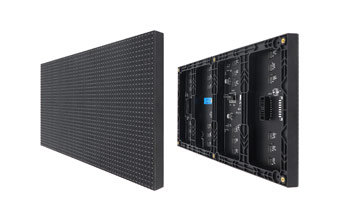
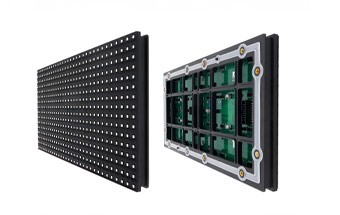
LED Sending Card: A Cost-Effective Solution for Managing Screen Playback
An LED sending card helps convert content signals from multimedia devices into video signals that LED displays can read and play. It also helps optimize image quality, stitch multiple screens together, and manage content remotely.
What features does an LED sending card offer? Is it right for your project? Read this article to learn more about it.
Key Functions of an LED Sending Card
An LED sending card is a critical component for the operation of LED displays. It acts as the “brain” of the system, controlling the conversion of source signals, the splicing of images across different zones, and the distribution of pixel lighting signals.
During the display of content on an LED screen, the LED sending card performs the following primary functions:
Source Signal Conversion
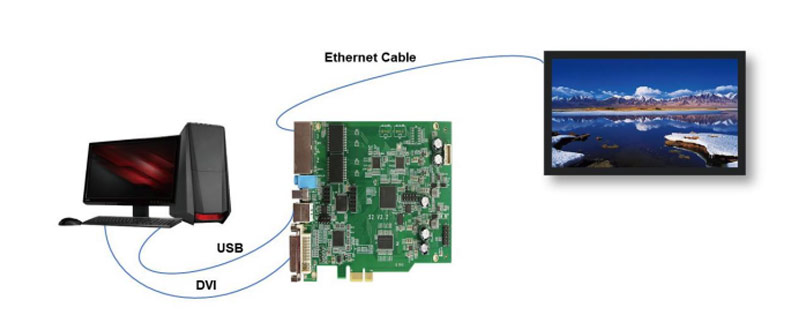
The sending card connects the content source device to the LED display, acting as a signal relay between the two. Its primary workflow is as follows:
Receive content source signals → Convert and compress the content source signals → Transmit the converted signals to the LED receiving cards on the LED modules according to a set pattern.
Only after the signals have been converted and processed by the sending card can the LED display read the signals and display the content correctly.
Image Parameter Optimization
Once connected to the sending card, you can use the accompanying software to adjust the LED display’s playback parameters in real time, such as screen brightness, image contrast, and refresh rate.
By fine-tuning these parameters based on the actual environment and content being displayed, you can significantly enhance image quality, making your content more engaging for the audience.
Automatic Brightness Adjustment
The sending card includes a port reserved for a light sensor probe. You can contact JYLED to have a brightness sensor integrated into it.
This feature allows your LED display to automatically adjust brightness based on ambient light conditions, ensuring the screen maintains a clear and comfortable viewing experience while reducing energy consumption and lowering your operating costs.
Signal Backup and Restoration
The transmitter card features a data backup function that automatically backs up transmitted data, protecting against signal loss in the event of an emergency interruption. You can restore data with a single click via the software, ensuring signal reliability during LED screen operation.
Local Content Playback
The transmitter card includes built-in storage. For example, an 8GB transmitter card allocates 4GB for system data storage and 4GB for user-uploaded content.
Once you upload source content, the LED display can play content in a loop locally without an internet connection.
For example, it can continuously play pre-set advertisements, event promotions, and more, simplifying your device setup and making screen management easier and more convenient.
Power Protection
The power interface of the LED sending card features reverse polarity protection. If the positive and negative terminals of the power supply are connected incorrectly, the sending card will automatically shut down.
This power protection design effectively safeguards the components of both the sending card and the display, extending the equipment’s service life.
LED Sending Card vs. LED Receiving Card: What’s the Difference?
In addition to the LED sending card, the LED receiving card also plays a crucial role in the operation of an LED display. The differences between the two are as follows:
| Primary Function | Control Scope | Installation Location | Signal Transmission Method | Number of LED Displays Supported | |
| LED Sending Card | Converts source signals and transmits them to the receiving card | A single sending card can manage content for the entire screen | Installed on a control device; in most cases, it exists separately from the display, though some are integrated into all-in-one displays | Receives source signals via HDMI or DVI and transmits them to the receiving card via Ethernet | In most cases, only 1 – 2 cards are required per screen |
| LED Receiving Card | Receives signals transmitted by the sending card and distributes them to the LED modules | A single receiving card supports control of only one LED module | Installed inside the LED cabinet | Receives signals via Ethernet and transmits them to LED modules | Each LED module requires one |
Whether it is an LED sending card or an LED receiving card, both are essential components for the operation of the display.
Typically, when you purchase an LED display, the corresponding receiving cards are already integrated into the screen, so you only need to consider the specifications and model of the sending cards.
If you are unsure how to select the appropriate LED sending cards for your display project, you can contact us via the consultation window on JYLED’s official website. Our sales specialists will help you develop a suitable sending card configuration plan.
LED Sending Card vs. LED Display Player vs. LED Video Controller: How to Choose?
For the control and management of LED display screens, the three most common types of products currently available on the market are: LED sending cards, LED display players, and LED video controllers.
What exactly are the differences between these three types of control devices? And how should we make the right choice? Please refer to the table below:
| Load Capacity | Features | Price | Recommended Applications | |
| LED Sending Card | Supports 600,000 – 1.3 million pixels | Content source signal conversion, video splicing, image optimization, remote management, signal backup | $49 – $399 | Highway LED signage, small retail store LED displays |
| LED Display Player | Supports 650,000 – 8.29 million pixels | Content source signal conversion, 2 – 4 picture-in-picture windows, signal backup, remote management | $149 – $799 | Mall LED displays, conference room LED displays, light pole LED displays |
| LED Video Controller | Supports 2.3 million to 13 million pixels | Content source signal conversion, 2 – 12 picture-in-picture windows, signal backup, 3D effects, image scaling | $499 – $5,999 | Virtual LED displays, 4K LED displays, home theater LED displays |
As shown in the figure above, when selecting the appropriate LED display control equipment, you should consider the following aspects:
- If your LED display is very small and the content being played is relatively simple, we recommend choosing an LED sending card to save on your purchase budget;
- If your LED display is of moderate size, consists of multiple screens, or is installed in a remote location, you may opt for an LED display player to simplify management;
- If your LED display is large, features a high pixel count, operates in a high-end environment, and requires top-tier image quality, we strongly recommend an LED video controller.
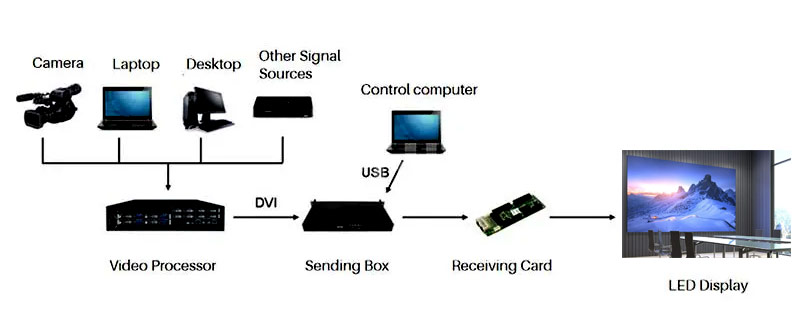
Schematic Diagram Of An LED Video Processor
Currently, popular brands of LED sending cards on the market include Novastar, Colorlight, and Huidu. Regardless of which brand you need, you can purchase the relevant products at competitive prices from JYLED.
You can use devices such as computers, tablets, or smartphones to manage its functions using the accompanying software for the LED sending card.
Without an LED sending card to convert the source signal and control playback effects, the LED display cannot read the source signal, nor can it correctly display content by sequentially projecting images from different areas onto the LED modules.
Yes, they function as a parent-child relationship in the workflow. The LED sending card is responsible for transmitting the converted signal to the LED receiving card, which then reads the signal and transmits it to the LED modules.
It supports both. The LED sending card can support asynchronous control alone, or it can support both asynchronous and synchronous control modes simultaneously.