



For monitors, multimedia images, and videos, pixel density is a crucial metric that affects the final viewing experience. This article will explain in detail how pixel density impacts visual perception and show you how to calculate it. By reading this article, you’ll quickly become an expert on pixel density.
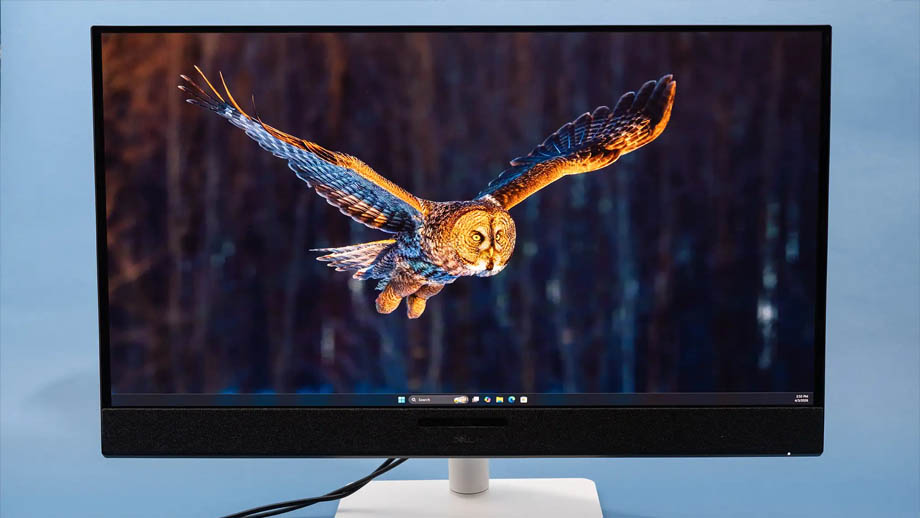
What Is Pixel Density?
Pixel density refers to the number of pixels a display contains within a specific area. This area can be measured in inches, square meters, or even square centimeters, any unit of area.
In most cases, people tend to use pixel density to indicate the number of physical pixels per inch on a display. This metric, the number of pixels per inch, is commonly referred to as PPI, and the industry typically uses PPI as the unit to express pixel density.
How Does Pixel Density Affect the Viewing Experience?
Image Sharpness
Pixels are the foundation for image sharpness. In most cases, the lower the pixel density, meaning fewer pixels per inch, the less detail the screen can display, resulting in a rougher, simpler-looking image.
A higher pixel density means better image quality. Content displayed on high pixel density screens appears more refined and smooth, with images that have greater depth and a more realistic appearance.
However, pixel density is not the sole criterion for image clarity. Some high-end display devices can also intelligently adjust image clarity through AI algorithms, image processors, and other technologies.
Nevertheless, in the public’s perception, high pixel density is synonymous with high image clarity. To make it easier for the general public to understand, many different types of display devices on the market, such as smartphone and tablet screens, still promote high pixel density as one of their key selling points.
Viewing Distance
When screen resolution remains constant, the smaller the screen size, the higher the pixel density, the closer the spacing between pixels, and the closer the optimal viewing distance. For example:
For a 4K monitor with a 30-inch screen, the optimal viewing distance is 42 inches; when using a 35-inch 4K monitor to play content, the optimal viewing distance is 50 inches.
By extension, when the resolution remains constant, the larger the screen size, the lower the pixel density, and the farther the optimal viewing distance.

What Are the Applications of Pixel Density?
Pixel density has a wide range of applications in everyday life. For example, common display devices, multimedia image editing, and software development all rely on this metric as a reference:
LCD Displays
LCDs are commonly found in consumer electronics such as TVs, smartphone screens, and laptop monitors, and are closely integrated into our daily lives.
Before purchasing such products, understanding their pixel density helps us assess the level of detail in the displayed content and determine the optimal viewing distance, thereby avoiding the purchase of products that do not align with our usage habits.
LED Displays
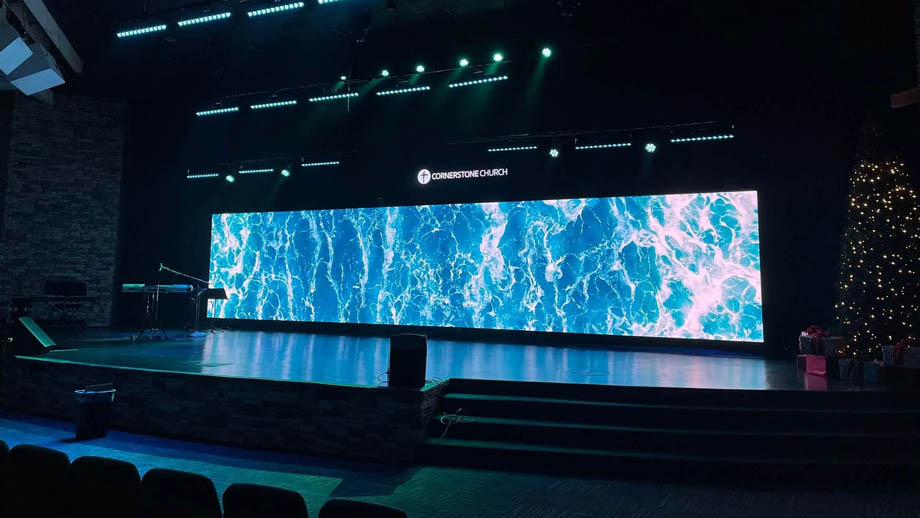
The pixel density of an LED display is directly related to its pixel pitch; the smaller the pixel pitch, the higher the pixel density.
You can consider your budget, viewing distance, and usage needs comprehensively to select the appropriate pixel pitch, pixel density, and screen size for your LED display, ensuring the final screen meets your requirements.
Multimedia Images
When editing or adjusting multimedia images, using a display with high pixel density better ensures the quality of image adjustments. High pixel density fully reveals image details, and even when zoomed in several times, the edges are less likely to appear jagged.
Professional image editors who use high pixel density panels can control image quality with greater precision.
Software Development
For users specializing in software development, using pixel density as a benchmark when designing software icons and internal fonts ensures that icons and fonts are displayed optimally across different display devices.
Applying an appropriate pixel density to software icons and content ensures a good viewing and reading experience on both high and low pixel density displays.
The Relationship Between Pixel Density and Resolution
Resolution refers to the total number of pixels on a display, while pixel density is a metric indicating the number of pixels within a given area of the display.
The formula for the relationship between the two is:
Resolution = Pixel Density × Screen Size.
As can be seen, pixel density and resolution are generally positively correlated. When the display size remains constant, the higher the pixel density, the higher the resolution.
How to Calculate the Pixel Density of an LED Display?
The pixel density of an LED display is directly related to the pixel pitch; the smaller the pixel pitch, the higher the pixel density.
Selecting the Pixel Pitch
LED display pixel pitches range from 0.6 mm to 10 mm. You can select the appropriate pixel pitch based on your needs and then directly calculate the screen’s pixel density using the pixel pitch:
Number of pixels per meter on the wider side = 1,000 ÷ pixel pitch.
Number of pixels per meter on the taller side = 1,000 ÷ pixel pitch.
LED display pixel density = Number of pixels per meter on the wider side × Number of pixels per meter on the taller side = (1000 ÷ pixel pitch)² (unit: pixels/m²).
Screen Size and Resolution
Alternatively, you can calculate the screen’s pixel density directly using the LED display’s size and resolution:
LED display pixel density = LED display resolution ÷ screen size.
FAQ
Is a Higher Pixel Density Always Better?
Theoretically, the higher the screen’s pixel density, the richer the image detail and the more vivid and refined the content.
However, for content with low resolution, simply pursuing a high pixel density will not improve the display quality and may result in unnecessary costs when purchasing the display.
What Happens When a Low Resolution Image Is Displayed on a High Pixel Density Screen?
When the image resolution is too low, if the image is displayed at its original resolution, its clarity will not be affected; however, if a low resolution image is stretched to fill a high pixel density display, the image will appear blurry, lose detail, and may even exhibit a blocky or grainy appearance.
Are a Monitor’s Pixel Density and Resolution Fixed?
Yes, the specifications for pixel density and resolution on the vast majority of monitors are fixed at the factory. While LED displays can expand screen size and resolution through tiling, their pixel density remains unchanged.
What Pixel Density Is Optimal for a 4K Display?
4K displays have a very high pixel count. If the screen is too small, this high pixel count may go to waste. We recommend using a 28- to 40-inch display with a pixel density of approximately 110 PPI to 157 PPI, which will provide a clear and bright viewing experience.
Does a Lower Pixel Density Mean Greater Energy Efficiency?
Yes, a lower pixel density means fewer pixels on the screen, resulting in more energy-efficient operation.
Summary
Pixel density is a crucial metric for displays; it determines the final image quality when playing content. You can select the appropriate pixel density based on your needs to ensure your screen delivers optimal performance.
If you’re looking to purchase an LED display with a pixel density that matches your needs, please contact JYLED. Our sales specialists will work with you to develop a tailored LED display procurement plan based on your requirements and budget.

