



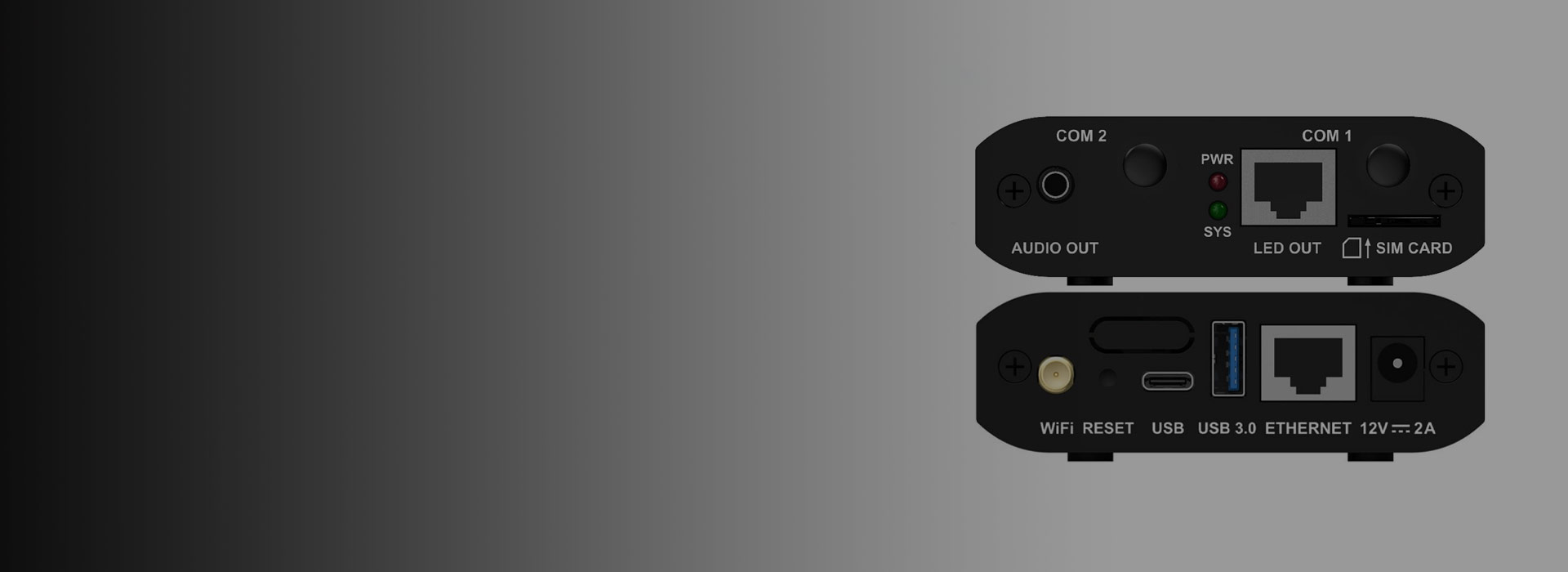
Novastar TB10: Delivering Crystal-Clear Content Display
As part of the Taurus series, the JYLED’s Novastar TB10 multimedia player features 8-bit image processing specifications, delivering high color depth for richer LED display hues. Moreover, it smoothly plays one 4K video and three 1080p videos simultaneously, delivering crisp and stunning visual effects.
Key Advantages of Novastar TB10

Novastar TB10 supports seamless switching between WiFi AP and WiFi STA modes. In WiFi AP mode, terminal devices connect directly to TB10’s built-in hotspot. In WiFi STA mode, devices connect to the WiFi network via a router. Choose the mode that best suits your needs.

The 4G module enhances network capabilities, serving as a crucial component for expanding connectivity options. Adding a 4G module to the Novastar TB10 ensures your LED display maintains constant network connectivity with more flexible connection options.

The Novastar TB10 supports time synchronization via GPS (requires optional 4G module), RF (requires optional RF module), or NTP. This synchronization enables multiple LED displays to play content in perfect unison, facilitating unified management of multi-screen displays.

The JYLED’s Novastar TB10 multimedia player features a stereo audio interface for seamless stereo audio output. This eliminates audio-visual desynchronization on the LED display, delivering an immersive audiovisual experience.

The Novastar TB10 model available from JYLED features 1GB of onboard RAM and 32GB of internal storage. This ample capacity accommodates larger basic data sets while ensuring stable device performance and smooth operation.

The JYLED’s Novastar TB10 features a Gigabit Ethernet output port. This port accelerates network speeds while delivering stable, high-speed signal transmission, ensuring your LED display presents content with crystal-clear detail.
Novastar TB10: Durable Design
JYLED’s Novastar TB10 features a compact chassis that minimizes the risk of bumps and damage. Moreover, this multimedia player operates reliably within a temperature range of -20°C to +60°C, demonstrating resilience in extreme weather conditions.
Whether exposed to high or low temperatures, the TB10 maintains stable, round-the-clock operation without signal fluctuations or hardware damage, ensuring exceptional durability.
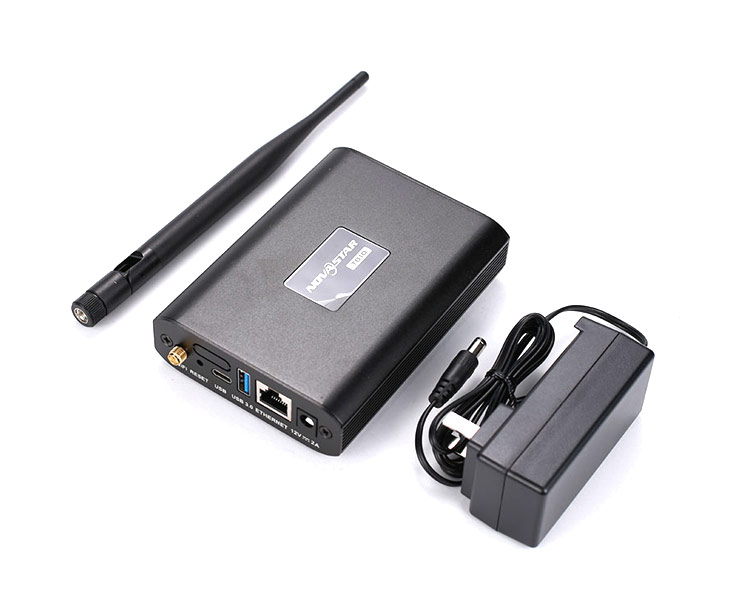
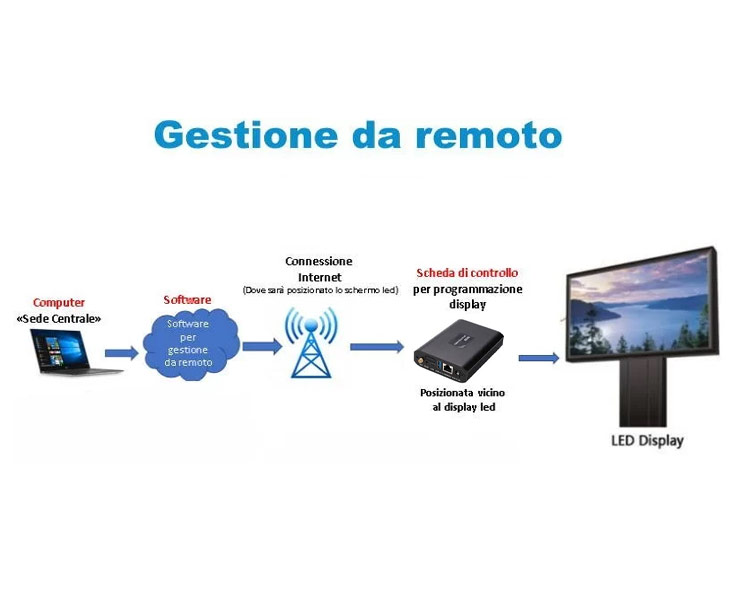
Novastar TB10 Enables Remote Control Capabilities
While many controllers on the market connect to PCs via USB for LED display control, the Novastar TB10 goes further by allowing content publishing and display management through mobile phones, tablets, and other user terminal applications.
This feature enables remote monitoring of LED displays and real-time content adjustments without physical access to the equipment. Not only does it elevate LED display device management to new heights, but it also makes managing your entire device fleet more convenient and controllable.
Why Choose Novastar TB10 from JYLED?
As a professional LED manufacturer in China, JYLED has maintained a partnership with Novastar for over a decade. We not only offer competitively priced TB10 multimedia players but also provide a suite of value-added services.
These include: dedicated technical support channels and project deployment assistance. Our dedicated technical support means you can contact JYLED professionals anytime for Novastar TB10 related issues, and we’ll promptly resolve your queries. Project deployment assistance covers configuration planning and implementation support for your specific solutions.
In summary, JYLED delivers comprehensive remote service support, committed to providing you with a worry-free purchasing experience and seamless product usage.
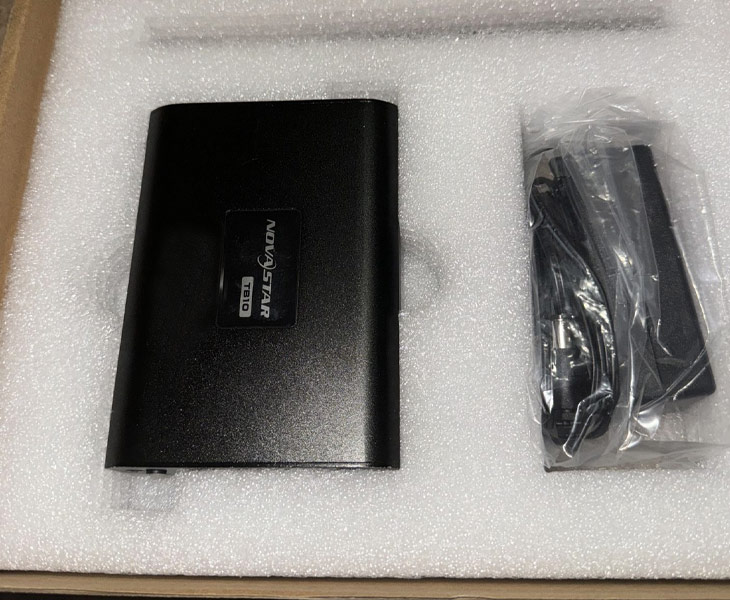
Novastar TB10 Application Scenarios
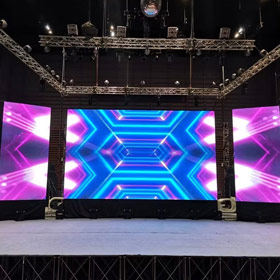
In temporary stages set up for rental events, JYLED’s Novastar TB10 can be rapidly deployed alongside rented LED displays. Its WiFi AP mode enables you to activate the built-in WiFi hotspot, allowing your terminal devices to connect to this network. This expands network functionality and facilitates smooth event execution.
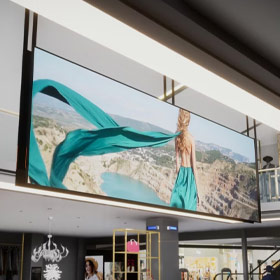
Equipment such as shelf LED displays and storefront LED displays used in retail stores can be conveniently controlled using the JYLED’s Novastar TB10. It delivers stable output, ensuring clear and detailed image display on in-store LED screens, offering exceptional value for money.
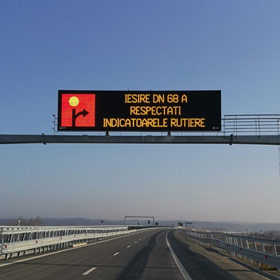
Transportation LED displays in transit hubs can also be managed by the Novastar TB10. This device clusters remote program distribution and display content control, enabling you to manage LED displays from locations away from traffic flow, preventing congestion and safety issues.
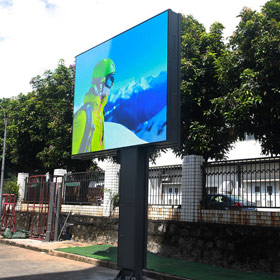
Utilize Novastar TB10 to manage LED billboards. Its extensive storage capacity enables rotating playback of multiple advertisements. Furthermore, it supports synchronized display across multiple billboards, maximizing your return on investment.
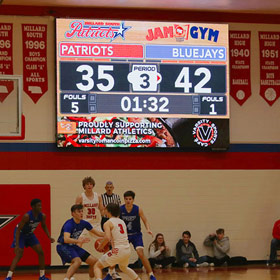
The Novastar TB10 integrates with LED displays on basketball courts for real-time score tracking and highlight replay. This boosts player morale, amplifies game atmosphere, and delivers an electrifying viewing experience for spectators.
TB10 Case show
- Case show
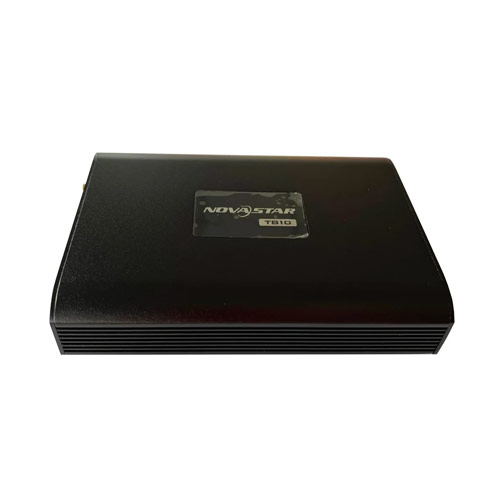
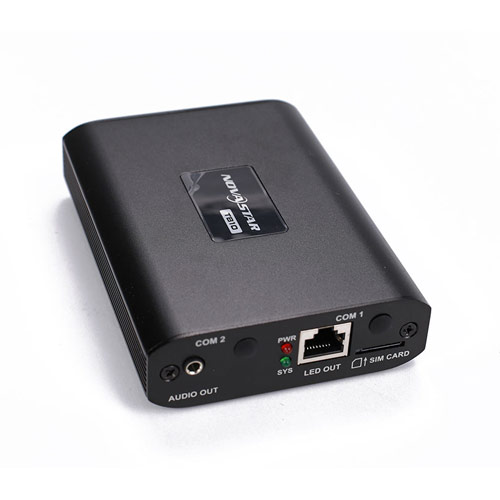
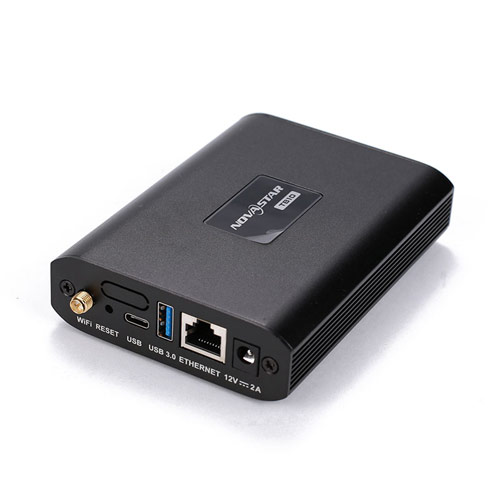
The Novastar TB10 multimedia player features 1 stereo audio output jack, 1 Gigabit Ethernet output port, 1 USB 3.0 (Type-A) port, 1 100M Ethernet port, and 1 USB (Type-C) port.
First, open the NovaLCT software. Under “Media Player Login,” select “User.” Then, in the “Terminal List” dialog box, click “Refresh,” select the device, and click “Connect Device.” Finally, enter the username and password, then click “OK.”
You can check the Android application software, and FPGA program versions through three methods: Viplex Handy, Viplex Express, and VNNOX.
The Novastar TB10’s maximum load capacity reaches 650,000 pixels, supporting a maximum device width of 4096 pixels and a maximum height of 3840 pixels.
The USB 3.0 (Type-A) port on the Novastar TB10 multimedia player enables playback of content from USB storage devices, firmware upgrades, and storage expansion (up to 128GB capacity).
The Novastar TB10 multimedia player follows this network priority: wired network first, followed by WiFi, and finally 4G. This ensures you always use the most efficient and stable network signal.
The green indicator light represents the system status. A steady green light indicates normal operation, while a steady solid green light or a completely off light indicates a system malfunction. For troubleshooting, refer to the manual or contact JYLED professionals.
Novastar TB10 supports decoding the following image formats: JPG, JPEG, BMP, GIF, PNG. Supported video formats include: MP4, AVI, RMVB, FLV, MKV, MOV.
Novastar TB10 features a built-in WiFi AP. Its default SSID is “AP + last 8 digits of SN,” with the default password printed on the SSID label. No additional setup is required. Simply connect your computer, tablet, or phone to the WiFi network created by the TB10.
Currently, the market price for the Novastar TB10 ranges from $60 to $120. It offers an affordable solution for basic needs such as LED display control and content publishing. If you don’t have overly demanding requirements, we recommend purchasing this player.
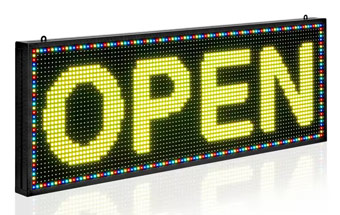
LED signage displays are customizable LED screens featuring high resolution and IP65-rated waterproof/dustproof performance. Their high-definition, bright visuals ensure your store brand is visible to pedestrians from a distance, attracting more foot traffic.
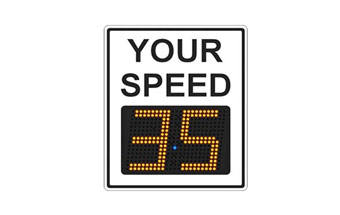
JYLED’s radar warning signs are traffic signs that upgrade variable speed limit signs by adding radar detection functionality. This sign automatically adjusts screen brightness to provide optimal visibility warnings for passing vehicles.
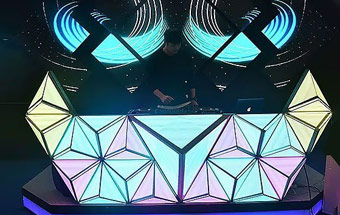
DJ LED displays are customizable LED screens shaped into unique forms like owls or Rubik’s cubes. JYLED employs exceptional splicing techniques to achieve seamless connections between irregular shapes and flawless display performance.
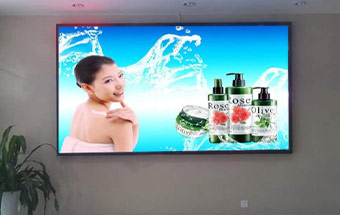
JYLED’s color LED display offers exceptional value for money. It features stable performance, versatile installation options, IP65 protection rating, and automatic brightness adjustment, making it perfectly suited for outdoor environments.
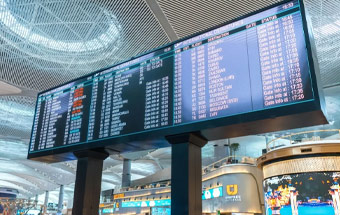
Airport LED displays serve multiple functions including traffic guidance, flight information display, and entertainment. When manufacturing airport displays, JYLED customizes flexible shapes to fit diverse display areas based on your requirements.
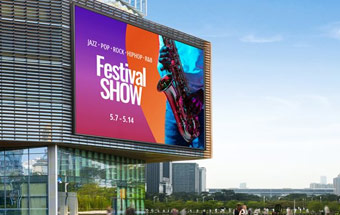
Building LED displays are mounted on structures, featuring high refresh rates and advanced grayscale capabilities. They deliver vivid, lifelike visuals with striking visual impact, capturing pedestrian attention and transforming your building into a landmark.